
Tutte le skill
Web e codice
Dal log Git alle note di rilascio
I messaggi di commit diventano note di rilascio comprensibili.
La demo usa dati fittizi. L'output mostrato è quello prodotto dalla skill con quell'input di esempio.
Provala in 3 passaggi
- 01
Copia la cartella, o solo SKILL.md, in .claude/skills/ nel tuo progetto (oppure in ~/.claude/skills/ per usarla ovunque).
- 02
Apri Claude Code e chiedila per nome, ad esempio: Usa la skill changelog-from-git sui miei file.
- 03
Controlla il risultato. Le skill creano un nuovo file e non sovrascrivono mai i tuoi.
Guarda un esempio di esecuzione
Input di esempio · input.txt
# git log --oneline v1.3.0..v1.4.0   (fictional app: Tallybook)
a1f3c09 feat: add dark mode toggle in settings
b72e1d4 fix: crash when opening a book with no cover image
c93a5e8 chore: bump eslint to 9.2
d04b7f1 feat(export): export reading list as CSV
e15c8a2 perf: load library screen about twice as fast
f26d9b3 refactor: split LibraryView into smaller components
0a37eac fix: search ignored accents (cafe vs café)
1b48fd1 docs: update contributing guide
2c59ae0 feat: swipe left on a book to archive it
3d6a0f1 fix: handle edge case in sync
4e7b102 Merge branch 'main' into release/1.4
5f8c213 ci: cache node_modules in build workflow
609d324 improve error message when a backup file is too large
71ae435 feat: new onboarding flow (flag off by default)
82bf546 revert: "show page count on cards"
93c0657 fix: reading progress reset to 0 after app update
Output di esempio · output.md
# Tallybook 1.4.0 - release notes

Source: 16 commits between v1.3.0 and v1.4.0. 8 are in the notes below, 5 were skipped as internal, 3 need a human check.

## New
- Dark mode: switch it on in Settings.
- Export your reading list as a CSV file.
- Swipe left on a book to archive it.

## Improved
- The library screen opens about twice as fast.
- The message you see when a backup file is too large is clearer.

## Fixed
- The app no longer crashes when you open a book that has no cover image.
- Search now finds words with accents.
- Your reading progress is no longer reset to 0 after an app update.

## Needs a human check
- `3d6a0f1` "fix: handle edge case in sync": which edge case, and what did users see? Not enough detail to write a note.
- `71ae435` "feat: new onboarding flow (flag off by default)": the flag is off, so users may not see this release. Leave it out unless it is switched on.
- `82bf546` "revert: show page count on cards": no earlier commit adds this feature in this range. Was it visible to users in 1.3.0? If so, note that page counts are removed.

## Skipped (internal, not user-facing)
- `c93a5e8` chore: bump eslint
- `f26d9b3` refactor: split LibraryView
- `1b48fd1` docs: contributing guide
- `5f8c213` ci: cache node_modules
- `4e7b102` merge commit
La skill · SKILL.md
---
name: changelog-from-git
description: Turns git log text into friendly release notes grouped as New, Improved and Fixed, skips internal chores, and lists ambiguous commits for a human check. Use when preparing release notes or an update post from a list of commits.
---
# Changelog From Git
Commit messages in, plain-language release notes out, with doubtful commits flagged rather than guessed.

## When to use
- You are about to ship a version and need notes that users can read.
- You have `git log --oneline` output (or similar) between two tags or dates.
- Not for internal engineering changelogs, security advisories or legal notices.

## Inputs
- The commit list as text, ideally with the version name and range. Hashes, subjects and short bodies are enough.
- Optional: product name, audience (end users or developers), and a list of features that are behind a flag.
- If the range or version is unknown, ask. If the log is empty, say so and stop.

## Steps
1. Count the commits and give each one a decision: note, skip or check.
2. Skip internal work: dependency bumps, lint and CI changes, refactors, docs for contributors, merge commits, formatting, version bumps, "wip".
3. Sort the rest by what the user sees. New: a capability that did not exist. Improved: something that already existed got faster, clearer or easier. Fixed: something that was broken now works.
4. Rewrite each as one sentence in the user's words. Start with the benefit or the symptom, not the code term ("The app no longer crashes when ..."). Drop prefixes such as `feat:` and file names.
5. Put a commit under "Needs a human check" when the subject is vague ("handle edge case"), when it is behind a flag, when it is a revert of something you cannot see, or when the user impact is unclear. Say what you need to know.
6. Merge duplicates (several commits for one feature) into one line.
7. Verify the counts: notes + skipped + check = total commits.

## Output
Write `release-notes.md` (new file) with this template:
```
# <Product> <version> - release notes
Source: <N> commits ... <x> in notes, <y> skipped, <z> need a human check.
## New
## Improved
## Fixed
## Needs a human check   (hash, subject, the question to answer)
## Skipped (internal, not user-facing)   (hash, subject)
```
Omit a group heading when it is empty.

## Rules
- Never invent features, numbers, speed-ups or user impact that the commit text does not state. If a commit says "about twice as fast", keep that wording; do not add percentages.
- Never promise anything for the next release.
- Write results to a new file, never overwrite an existing changelog.
- Keep every skipped and flagged commit listed so a person can overrule you.
- Ask before assuming which flags are on; keep the log local.
Le skill ti aiutano a leggere e organizzare. Non sono consulenza legale, medica, fiscale o finanziaria.
Altre skill
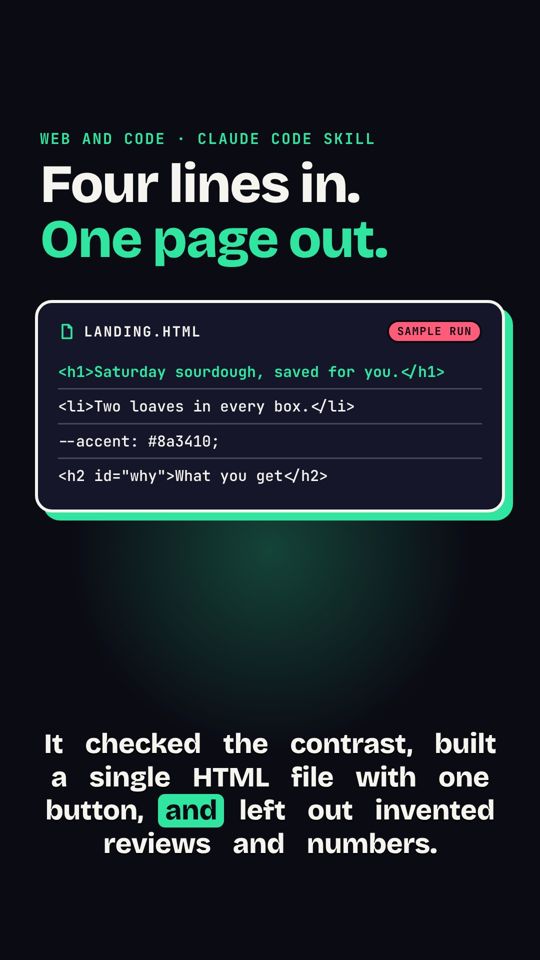 Dal brief alla landing pageUn breve brief diventa una landing page HTML in una pagina, pensata prima per mobile.
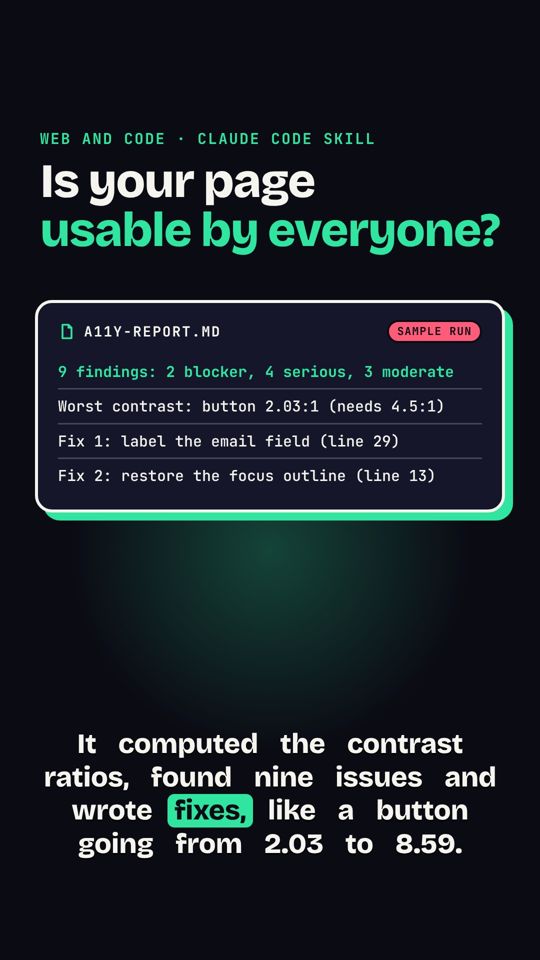 Audit di accessibilità di una paginaControlla contrasto, etichette e aree di tocco di una pagina e elenca le correzioni.
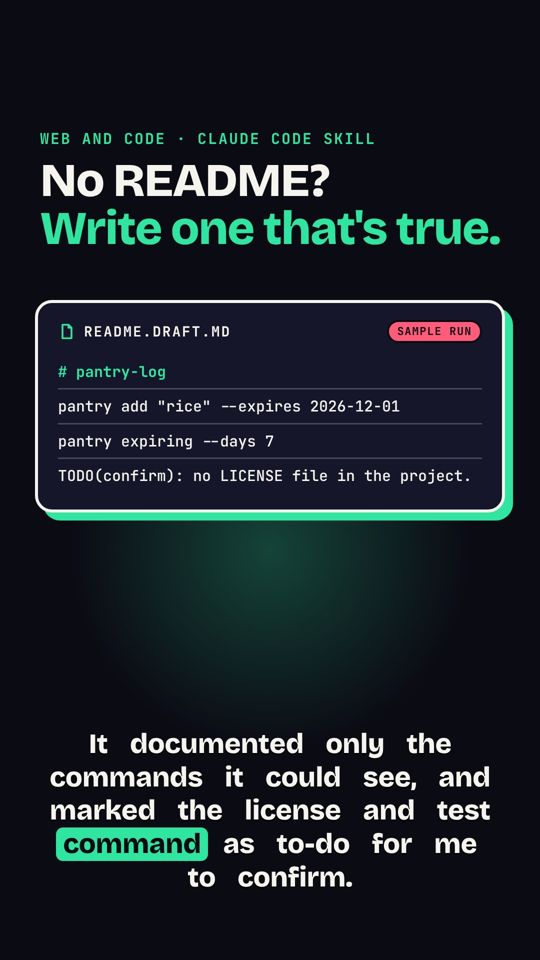 README dai file del progettoLegge un progetto e scrive un README accurato.