

Todas as skills
Web e código
README a partir dos ficheiros do projeto
Lê um projeto e escreve um README rigoroso.
A demo usa dados fictícios. A saída mostrada é o que a skill produziu com essa entrada de exemplo.
Experimenta em 3 passos
- 01
Copia a pasta, ou só o SKILL.md, para .claude/skills/ no teu projeto (ou para ~/.claude/skills/ para usares em todo o lado).
- 02
Abre o Claude Code e pede-a pelo nome, por exemplo: Usa a skill readme-writer nos meus ficheiros.
- 03
Confirma o resultado. As skills criam um ficheiro novo e nunca substituem os teus.
Ver um exemplo de execução
Entrada de exemplo · input.txt
PROJECT FILES (fictional sample)

.
|-- pyproject.toml
|-- src/
|   `-- pantry_log/
|       |-- __init__.py
|       |-- cli.py
|       `-- store.py
`-- tests/
    `-- test_store.py

--- pyproject.toml ---
[project]
name = "pantry-log"
version = "0.2.0"
description = "Keep a list of what is in your pantry and see what expires soon."
requires-python = ">=3.10"
dependencies = []

[project.optional-dependencies]
dev = ["pytest>=8"]

[project.scripts]
pantry = "pantry_log.cli:main"

--- src/pantry_log/cli.py (excerpt) ---
def build_parser():
    p = argparse.ArgumentParser(prog="pantry")
    sub = p.add_subparsers(dest="command", required=True)
    add = sub.add_parser("add", help="add an item")
    add.add_argument("name")
    add.add_argument("--expires", help="expiry date, YYYY-MM-DD")
    sub.add_parser("list", help="list all items")
    exp = sub.add_parser("expiring", help="items expiring soon")
    exp.add_argument("--days", type=int, default=7)
    return p

--- src/pantry_log/store.py (excerpt) ---
DEFAULT_PATH = Path.home() / ".pantry.json"

def data_path():
    return Path(os.environ.get("PANTRY_FILE", DEFAULT_PATH))

def load(): ...   # returns [] if the file does not exist
def save(items): ...  # writes JSON, indent=2

--- tests/test_store.py (excerpt) ---
def test_load_missing_file_returns_empty(tmp_path, monkeypatch):
    monkeypatch.setenv("PANTRY_FILE", str(tmp_path / "p.json"))
    assert store.load() == []

Not present in the project: LICENSE, CI config, docs folder, CONTRIBUTING, Dockerfile.
Saída de exemplo · output.md
# pantry-log

Keep a list of what is in your pantry and see what expires soon.

Version 0.2.0. A small command-line tool with no runtime dependencies.

## Install

Requires Python 3.10 or newer.

```
pip install .
```

This installs the `pantry` command. TODO(confirm): no install instructions were found in the files; `pip install .` is the standard way to install the `pyproject.toml` package, but it has not been tested here, and the project may not be published on a package index.

For development, install the test tools:

```
pip install ".[dev]"
```

## Run

```
pantry add "rice" --expires 2026-12-01
pantry list
pantry expiring --days 7
```

- `pantry add NAME [--expires YYYY-MM-DD]` adds an item.
- `pantry list` lists all items.
- `pantry expiring [--days N]` shows items expiring soon. `--days` defaults to 7.

Items are stored in a JSON file at `~/.pantry.json`. Set the `PANTRY_FILE` environment variable to use a different file. If the file does not exist, the list starts empty.

TODO(confirm): the exact output format of `list` and `expiring` is not shown in the files, so no sample output is included.

## Test

```
python -m pytest
```

TODO(confirm): no test command is documented. `pytest` is listed in the `dev` extra and tests live in `tests/`, so this is the likely command.

## Project structure

```
pyproject.toml        package metadata and the `pantry` entry point
src/pantry_log/
  cli.py              command-line parser (add, list, expiring)
  store.py            loads and saves the JSON file
tests/
  test_store.py       tests for the store
```

## License

TODO(confirm): no LICENSE file in the project.
Add one before sharing the code.
A skill · SKILL.md
---
name: readme-writer
description: Reads a small project's file tree and key files, then writes an accurate README covering what it is, install, run, test and structure, marking anything unproven as TODO(confirm). Use when a project has no README or an outdated one.
---
# README Writer
Turns what is really in a project into a README that matches the code, with gaps flagged instead of filled in.

## When to use
- A repository has no README, or the current one no longer matches the code.
- You want a first draft a maintainer can confirm in five minutes.
- Not for marketing copy, full API docs or architecture papers.

## Inputs
- The project folder, or a pasted file tree plus the key files (package file, entry points, config, a test file).
- Optional: audience (users or contributors) and tone. Ask if the audience is unclear.
- If the files are missing or too partial to tell what the project does, ask for them instead of guessing.

## Steps
1. List the tree. Read the package or build file first (name, version, language version, dependencies, scripts or entry points), then the entry-point code, then one test file.
2. Write one sentence for "what it is" using the project's own description text; if there is none, derive it from the entry points and say so.
3. Install: use only commands supported by the package file. If the file implies a command but no doc states it, write it and mark `TODO(confirm)`.
4. Run: list every command, flag and environment variable you can see in the code, with defaults exactly as written. Do not add examples of output you have not seen.
5. Test: name the test tool from the dev dependencies or test folder. Mark `TODO(confirm)` when no command is written anywhere.
6. Structure: draw the tree with one short line per file, based on what each file really does.
7. Check each sentence against a file. Delete or mark anything you cannot trace.
8. Close with a License section: state the license only if a license file or field exists; otherwise `TODO(confirm)`.

## Output
Write `README.draft.md` next to the project files. Sections in this order: title and one-line description, Install, Run, Test, Project structure, License. Each `TODO(confirm)` states what is missing and where the answer is likely to be found. After the file, reply with the list of TODO(confirm) items.

## Rules
- Never invent commands, flags, features, badges, version support, or benchmarks. Document only what the files show.
- Write results to a new file, never overwrite an existing README.
- Keep it short; no filler sections such as roadmap or acknowledgements.
- Ask before assuming who the audience is.
- Keep project code local; do not paste secrets or tokens found in files into the README.
As skills ajudam-te a ler e a organizar. Não são aconselhamento jurídico, médico, fiscal ou financeiro.
Mais skills
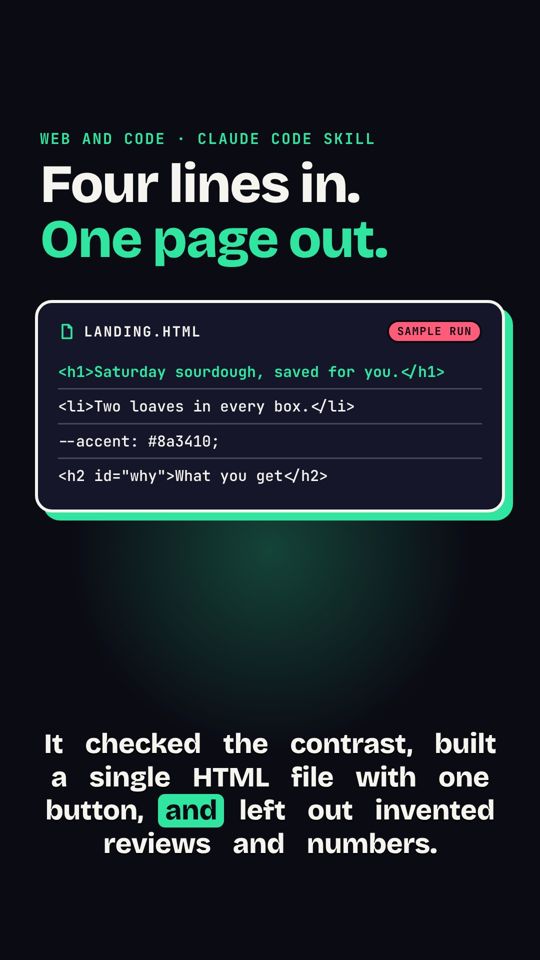 Briefing em landing pageUm briefing curto vira uma landing page HTML de uma página, pensada primeiro para telemóvel.
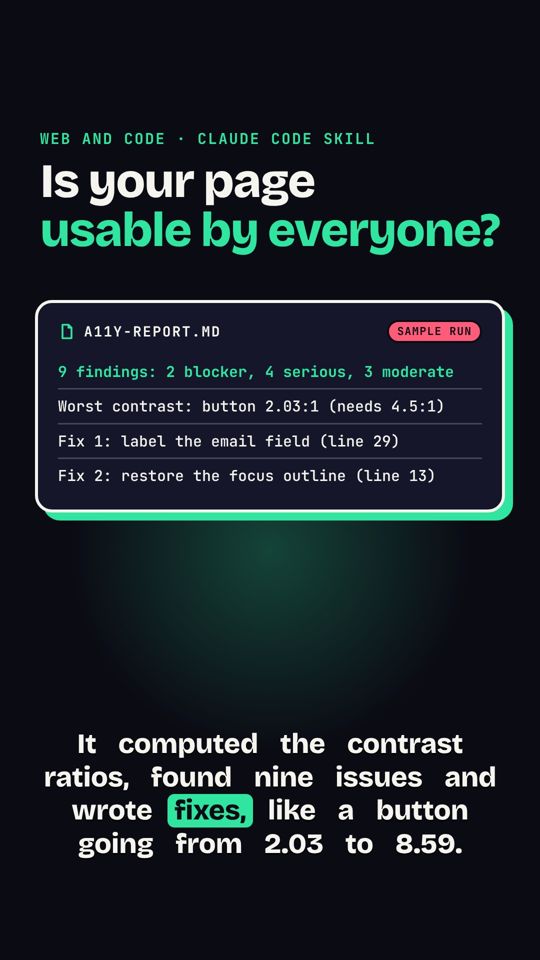 Auditoria de acessibilidadeVerifica contraste, etiquetas e áreas de toque e lista as correções.
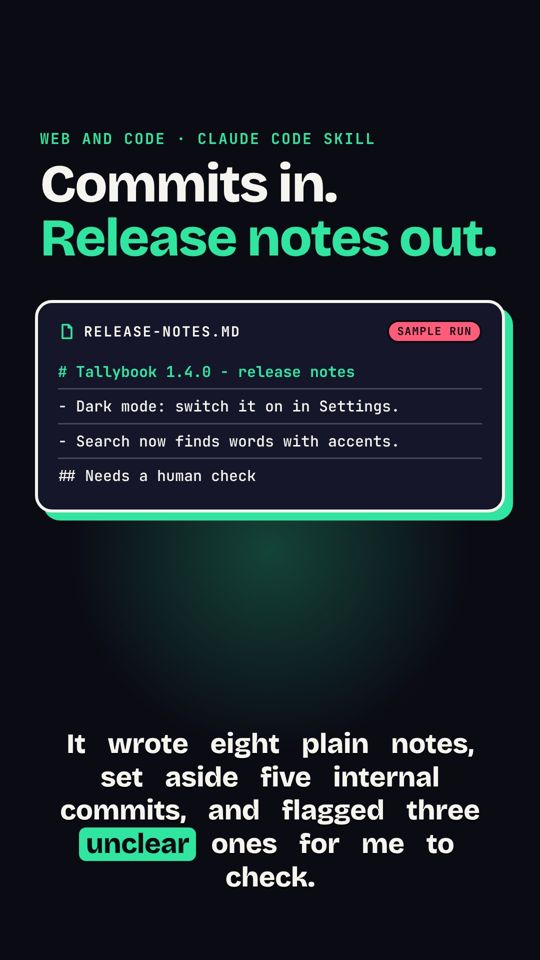 Registo do Git em notas de versãoAs mensagens de commit viram notas de versão fáceis de ler.