

Toutes les compétences
Documents
Plan vers présentation
Un plan en puces devient une présentation HTML propre.
La démo utilise des données fictives. La sortie affichée est ce que la compétence a produit avec cet exemple d'entrée.
Essaie en 3 étapes
- 01
Copie le dossier, ou seulement SKILL.md, dans .claude/skills/ de ton projet (ou dans ~/.claude/skills/ pour l'utiliser partout).
- 02
Ouvre Claude Code et demande-la par son nom, par exemple : Utilise la compétence slides-from-outline sur mes fichiers.
- 03
Vérifie le résultat. Les compétences créent un nouveau fichier et n'écrasent jamais les tiens.
Voir un exemple d'exécution
Exemple d'entrée · input.md
# Community Garden Plan 2027
Proposal for the Elm Street neighbours' meeting

## Why a garden
- Empty lot on Elm Street has been unused since 2022
- 23 households signed the interest sheet
- Neighbours want fresh vegetables and a place to meet

## What we need
- 12 raised beds
- A shared tool shed
- A water tank with a hand pump

## Timeline
- March: clear the lot and mark the beds
- April: build beds and the shed
- May: first planting day

## Next steps
- Vote on the plan at the March meeting
- Sign up for a build day
- Bring one tool to share
Exemple de sortie · output.html
<!doctype html>
<html lang="en">
<head>
<meta charset="utf-8">
<meta name="viewport" content="width=device-width,initial-scale=1">
<title>Community Garden Plan 2027</title>
<style>
*{box-sizing:border-box}
body{margin:0;font:clamp(1rem,2.6vw,1.5rem)/1.5 system-ui,sans-serif;background:#fff;color:#1a1a1a}
.slide{min-height:100vh;padding:8vh 8vw;display:flex;flex-direction:column;justify-content:center;border-bottom:1px solid #ccc}
h1{font-size:clamp(2rem,7vw,4rem);margin:0 0 .4em;color:#14532d}
h2{font-size:clamp(1.6rem,5vw,3rem);margin:0 0 .6em;color:#14532d}
li{margin:.4em 0}
.js .slide{display:none;border:0}
.js .slide.on{display:flex}
nav{display:none}
.js nav{display:flex;position:fixed;bottom:0;left:0;right:0;justify-content:space-between;align-items:center;padding:.6rem 1rem;background:#14532d;color:#fff}
nav button{font:inherit;min-width:3rem;min-height:3rem;border:2px solid #fff;background:#14532d;color:#fff;border-radius:.4rem}
nav button:focus-visible{outline:3px solid #fde047}
</style>
</head>
<body>
<main>
<section class="slide"><h1>Community Garden Plan 2027</h1><p>Proposal for the Elm Street neighbours' meeting</p></section>
<section class="slide"><h2>Why a garden</h2><ul><li>Empty lot on Elm Street has been unused since 2022</li><li>23 households signed the interest sheet</li><li>Neighbours want fresh vegetables and a place to meet</li></ul></section>
<section class="slide"><h2>What we need</h2><ul><li>12 raised beds</li><li>A shared tool shed</li><li>A water tank with a hand pump</li></ul></section>
<section class="slide"><h2>Timeline</h2><ul><li>March: clear the lot and mark the beds</li><li>April: build beds and the shed</li><li>May: first planting day</li></ul></section>
<section class="slide"><h2>Next steps</h2><ul><li>Vote on the plan at the March meeting</li><li>Sign up for a build day</li><li>Bring one tool to share</li></ul></section>
</main>
<nav aria-label="Slides"><button id="p" aria-label="Previous slide">←</button><span id="c" aria-live="polite"></span><button id="n" aria-label="Next slide">→</button></nav>
<script>
document.documentElement.className="js";
var s=document.querySelectorAll(".slide"),i=0,c=document.getElementById("c"),x=0;
function show(k){i=Math.max(0,Math.min(s.length-1,k));for(var j=0;j<s.length;j++)s[j].classList.toggle("on",j===i);c.textContent=(i+1)+" / "+s.length;location.hash=i+1}
document.getElementById("p").onclick=function(){show(i-1)};
document.getElementById("n").onclick=function(){show(i+1)};
document.addEventListener("keydown",function(e){var k=e.key;if(k==="ArrowRight"||k==="PageDown"||k===" ")show(i+1);else if(k==="ArrowLeft"||k==="PageUp")show(i-1);else if(k==="Home")show(0);else if(k==="End")show(s.length-1)});
document.addEventListener("touchstart",function(e){x=e.touches[0].clientX});
document.addEventListener("touchend",function(e){var d=e.changedTouches[0].clientX-x;if(d<-50)show(i+1);else if(d>50)show(i-1)});
show((parseInt(location.hash.slice(1),10)||1)-1);
</script>
</body>
</html>
La compétence · SKILL.md
---
name: slides-from-outline
description: Turns a bullet outline into one self-contained HTML slide deck with arrow-key navigation, mobile-friendly layout, readable contrast and no external requests. Use when someone has an outline or notes and wants a presentation file that opens in any browser.
---
# Slides from outline

A bullet outline in, a single offline HTML slide deck out.

## When to use
- The user has a markdown or plain-text outline and wants slides they can open, share or present from a browser.
- No PowerPoint, no accounts, no internet needed.

## Inputs
- The outline as a file path or pasted text. If missing, ask for it.
- Optional: deck title, language, accent colour (default dark green on white), maximum number of slides.
- Ask before assuming if the outline has no clear title or has headings with no bullets.

## Steps
1. Parse the outline: a `#` line is the deck title (the first line under it is the subtitle), each `##` line starts a slide, and each `-` line is a bullet on that slide.
2. Keep the user's wording. Do not add facts, figures or extra slides. If a slide has more than 6 bullets, ask whether to split it.
3. Build one HTML file: `<!doctype html>`, `lang`, charset and viewport meta tags, a `<title>` equal to the deck title, one inline `<style>` and one inline `<script>`.
4. Make each slide a `<section class="slide">` holding an `h1` (title slide) or `h2` and a `ul`. Escape `&`, `<` and `>` in the text.
5. Style with fluid type (`clamp()`), padding in `vw` and `vh`, and colours with a contrast ratio of at least 4.5:1 for text (dark text on white, white text on a dark bar). Compute the ratio if you change colours.
6. Add the script: show one slide at a time, left and right arrows (also PageUp, PageDown, Home, End) and on-screen previous and next buttons with `aria-label`, a visible focus outline, swipe on touch screens, a counter such as `2 / 5` in an `aria-live` region.
7. Keep a no-script fallback: without JavaScript all slides stack in reading order.
8. Check: no `src`, `href` or `url(` pointing outside the file, no web fonts, no remote scripts, tags balanced, file under 20 KB.

## Output
Write `<deck name>-slides.html` as a new file next to the outline, then say how to use it: open the file in a browser, press the arrow keys, swipe or tap the buttons.

## Rules
- Never invent slide content, numbers or quotes beyond the outline.
- Write results to a new file, never overwrite the outline or an earlier deck.
- Do not make network requests: no CDN, fonts, analytics or images from outside.
- Do not rely on colour alone to carry meaning; keep text at 4.5:1 contrast or better.
- Keep the content local; do not upload it.
- Out of scope: legal, medical, tax or financial advice in the deck's content. Flag such claims for a professional.
Les compétences t'aident à lire et à organiser. Ce ne sont pas des conseils juridiques, médicaux, fiscaux ou financiers.
Plus de compétences
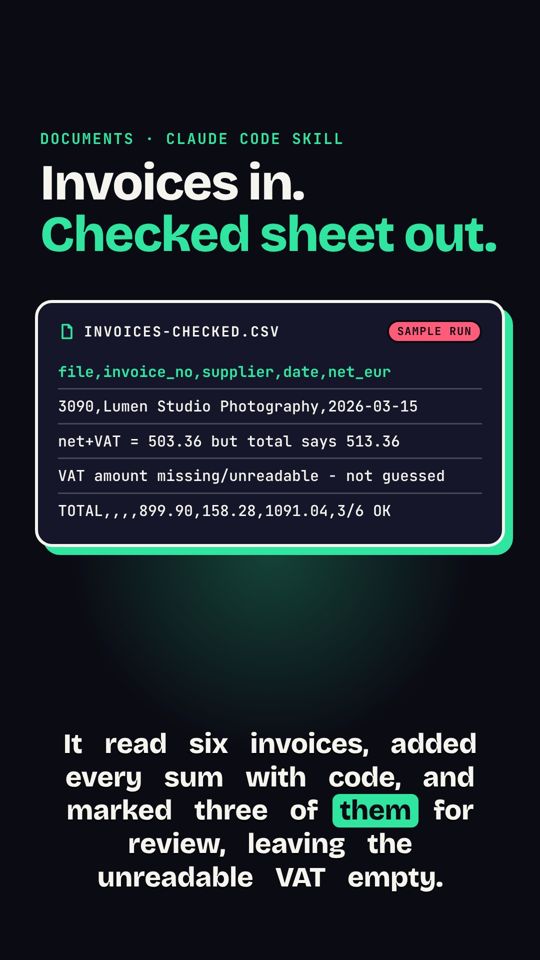 Factures vers tableurUn dossier de factures (texte ou scans) devient un CSV propre, avec un contrôle des totaux.
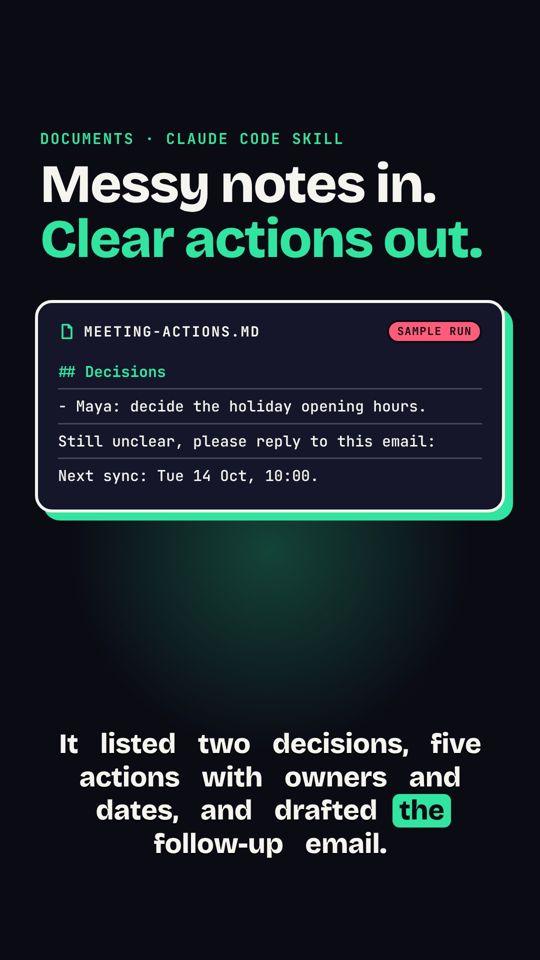 Notes de réunion vers actionsDes notes en vrac deviennent décisions, responsables, échéances et un e-mail de suivi.
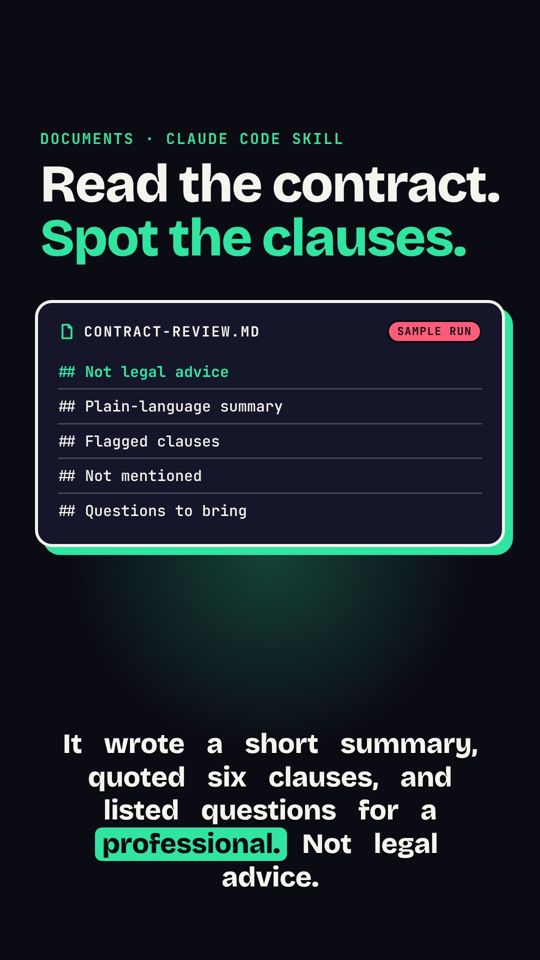 Points d'alerte d'un contratRésume un contrat et signale les clauses à faire vérifier par un pro. Pas un conseil juridique.